Introduction
Multistep form is a jQuery plugin for multipurpose step form wizard.
Getting Started
Multistep form is a jQuery plugin for multipurpose step form wizard.
CSS
Copy-paste the stylesheet<link> into your <head>
<link rel="stylesheet" href="assets/css/multistep.css">Javascript
Place the following<script> near the end of your pages, right before the closing</body>tag, to enable them. jQuery must come first, then Multistep.js.
<script src="https://ajax.googleapis.com/ajax/libs/jquery/1.11.1/jquery.min.js"></script>
<script src="assets/js/multistep.js"></script>
Project Structure
After downloading, extract the files into the directory where your website is located. Your directory will look something like this.
You'll notice that there are two sets of the files. Theminmeans that the file is "compressed" to reduce load times. These minified files are usually used in production while it is better to use the unminified files during development.
multistep
    |--assets/
    |   |--css/
    |   |   |--multistep.css
    |   |   |--multistep.min.css
    |   |
    |   |--js/
    |       |--multistep.js
    |       |--multistep.min.js
    |
    |--index.html
HTML Setup
Next you just have to make sure you link the files properly in your webpage. Generally it is wise to import javascript files at the end of the body to reduce page load time. Follow the example below on how to import Multistep into your webpage.
<!DOCTYPE html>
<html lang="en">
  <head>
      <!-- Required meta tags -->
      <meta charset="utf-8">
      <meta name="viewport" content="width=device-width, initial-scare=1, shrink-to-fit=no">

      <!-- CSS -->
      <link rel="stylesheet" href="assets/css/multistep.css">
  </head>
  <body>
      <div id="multistep">
          <!-- Progress bar -->
          <div class="ms-progress">

          <!-- Sidebar navigation -->
          <ul class="ms-navigation">
              <li><a href="#section-1">...</a></li>
              <li><a href="#section-2">...</a></li>
              <li><a href="#section-3">...</a></li>
          </ul>


          <!-- Content -->
          <div class="ms-container">
              <div id="section-1">
                  <div class="ms-field">
                      <input data-ms regex="email" required>
                  </div>
              </div>
              <div id="section-2">...</div>
              <div id="section-3">...</div>
          </div>


          <!-- Javascript -->
          <script src="https://ajax.googleapis.com/ajax/libs/jquery/1.11.1/jquery.min.js"></script>
          <script src="assets/js/multistep.js"></script>
      </div>
  </body>
</html>
Input
Text
<div class="ms-field">
    <input data-ms regex="email" required>
</div>
Radio
<div class="ms-field">
    <div data-ms type="radio" group="example" required>
        <input type="radio" name="example">
        <input type="radio" name="example">
        <input type="radio" name="example">
    </div>
</div>
Sass Setup
Instead of having a css folder, you will find that the download instead contains many .scss files which contain the styles of individual components. Unfortunately, the browser cannot interpret Sass, so you must have your Sass compiler compile the scss/multistep.scss into a regular CSS file. At this point you can link this newly outputted file in your HTML page.
multistep
    |--assets/
    |   |--css/
    |   |   |--multistep.css <-- compiled from scss/multistep.scss
    |   |   |--multistep.min.css <-- compiled from scss/multistep.scss
    |   |
    |   |--scss/
    |       |--components
    |   |   |--multistep.scss
    |   |
    |   |--js/
    |       |--multistep.js
    |       |--multistep.min.js
    |
    |--index.html
Callback
<script>
    $("#multistep").multistep({
       theme: 'default', // jade / electric / crimson / prussian
       keyController: true, // Enable/Disable keyboard controller
       navigation: {
           next: 'Next', // Next button text
           prev: 'Previous', // Previous button text
           submit: 'Submit', // Submit button text
           btnNext: true, // Next button show/hide
           btnPrev: true, // Previous button show/hide
           btnSubmit: true, // Submit button show/hide
           onSend: function() {
              // Submit button onClick function
           }
       },
       message: {
           required: 'This field is required.', // Default validation message
           radio: 'Please make a selection.', // Radio validation message
           email: 'Please enter a valid email address.', // Email validation message
           phone: 'Please enter a valid phone number.', // Phone validation message
           alphaWithSpace: 'Only alphabets are allowed.', // Alphabets only validation message
       },
       progress: true // Progress Bar show/hide
    });
</script>
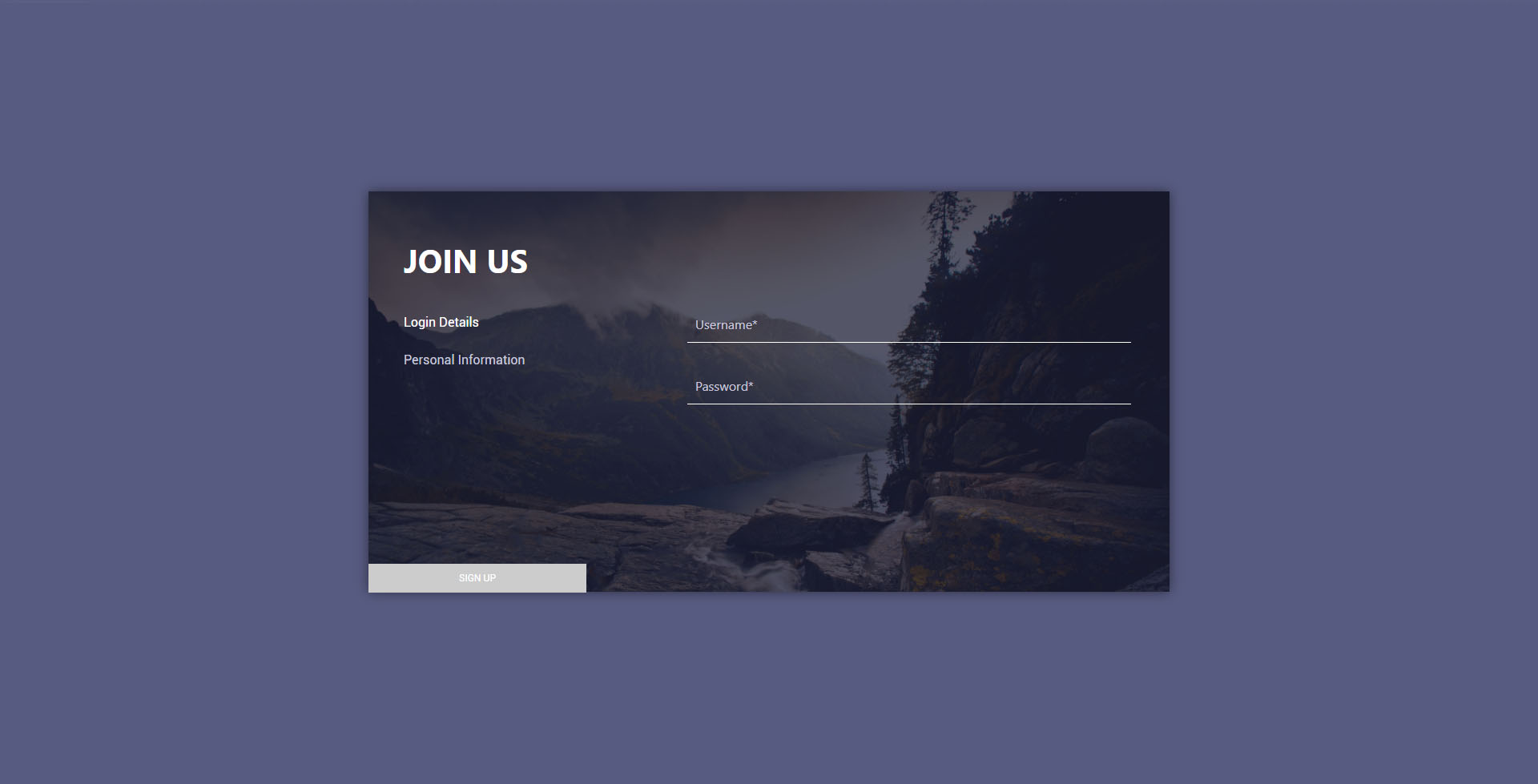
Demo
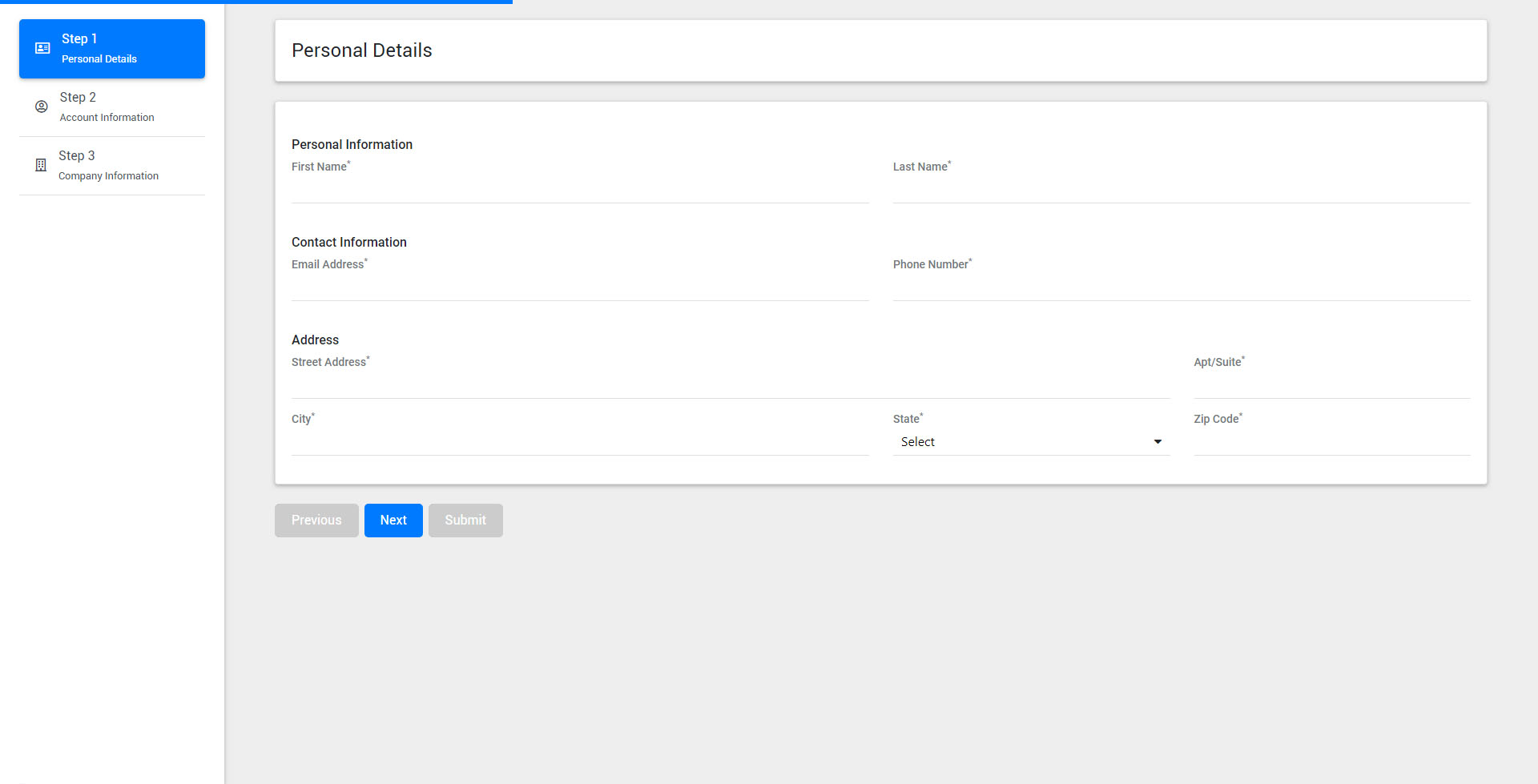
Default
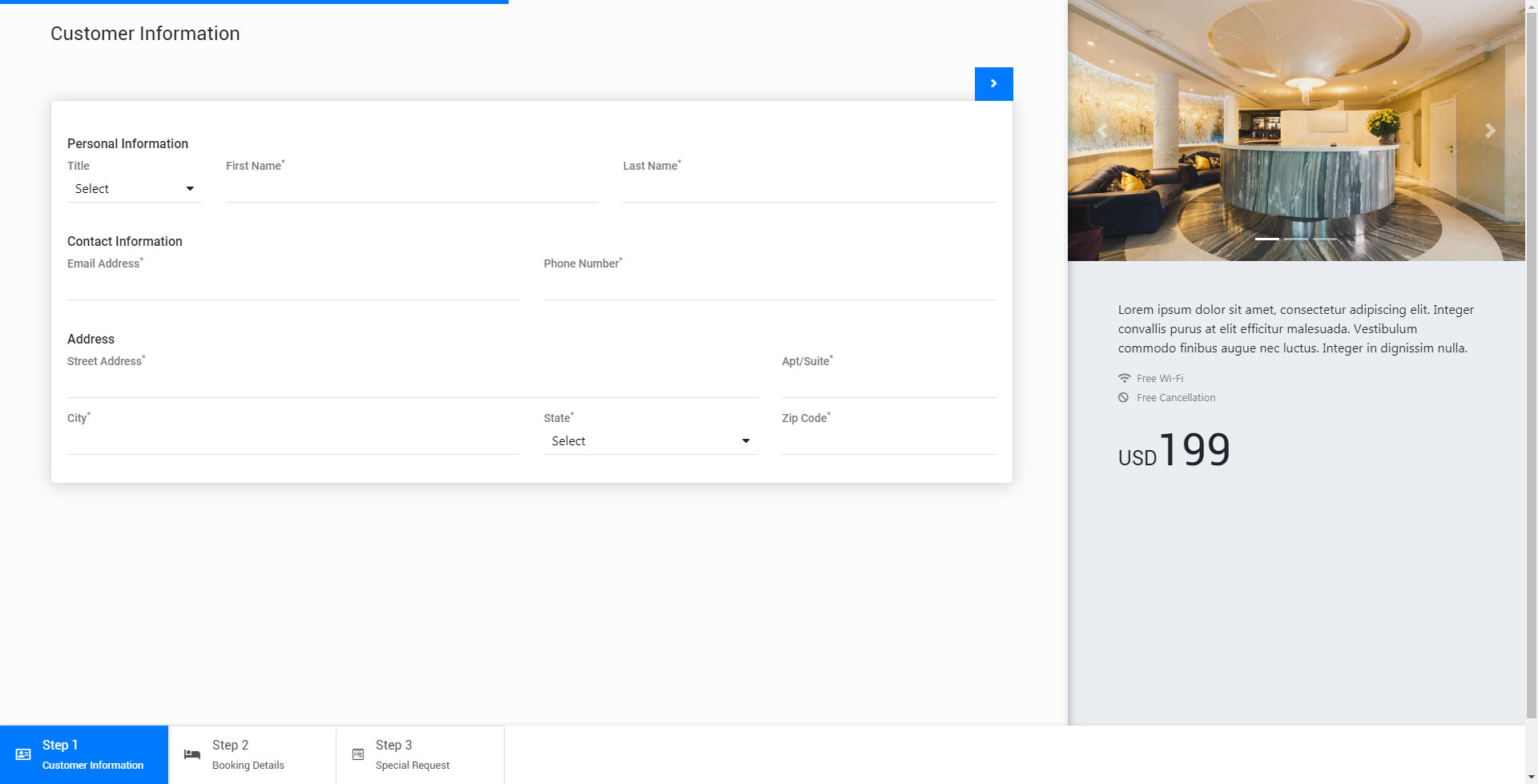
Hotel Booking
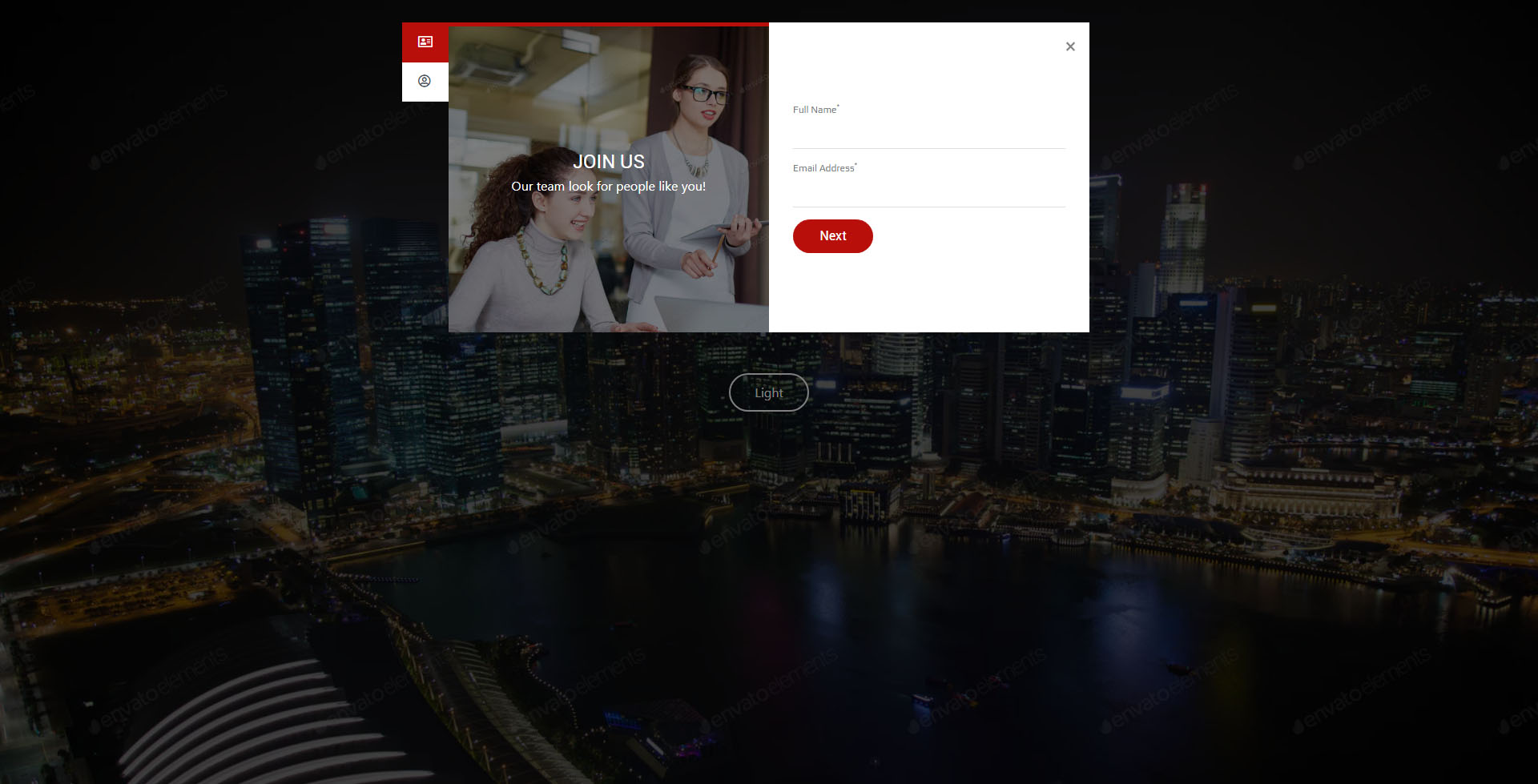
Modal Light

Modal Dark
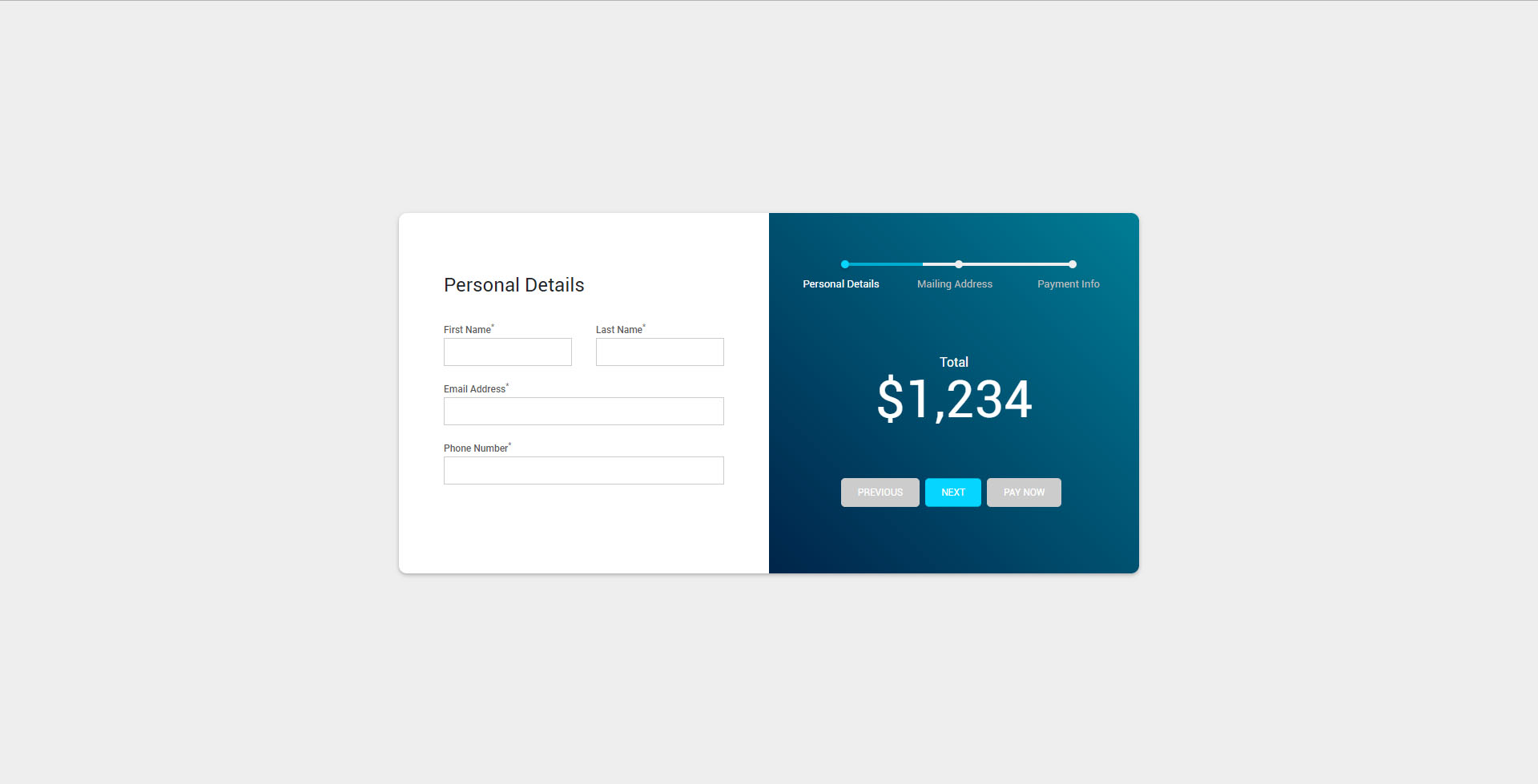
Payment Form